What Happens When Your AI-Built Store Fails at 2am and Nobody Is Watching
Rajesh P
March 30, 2026 · 7 min read
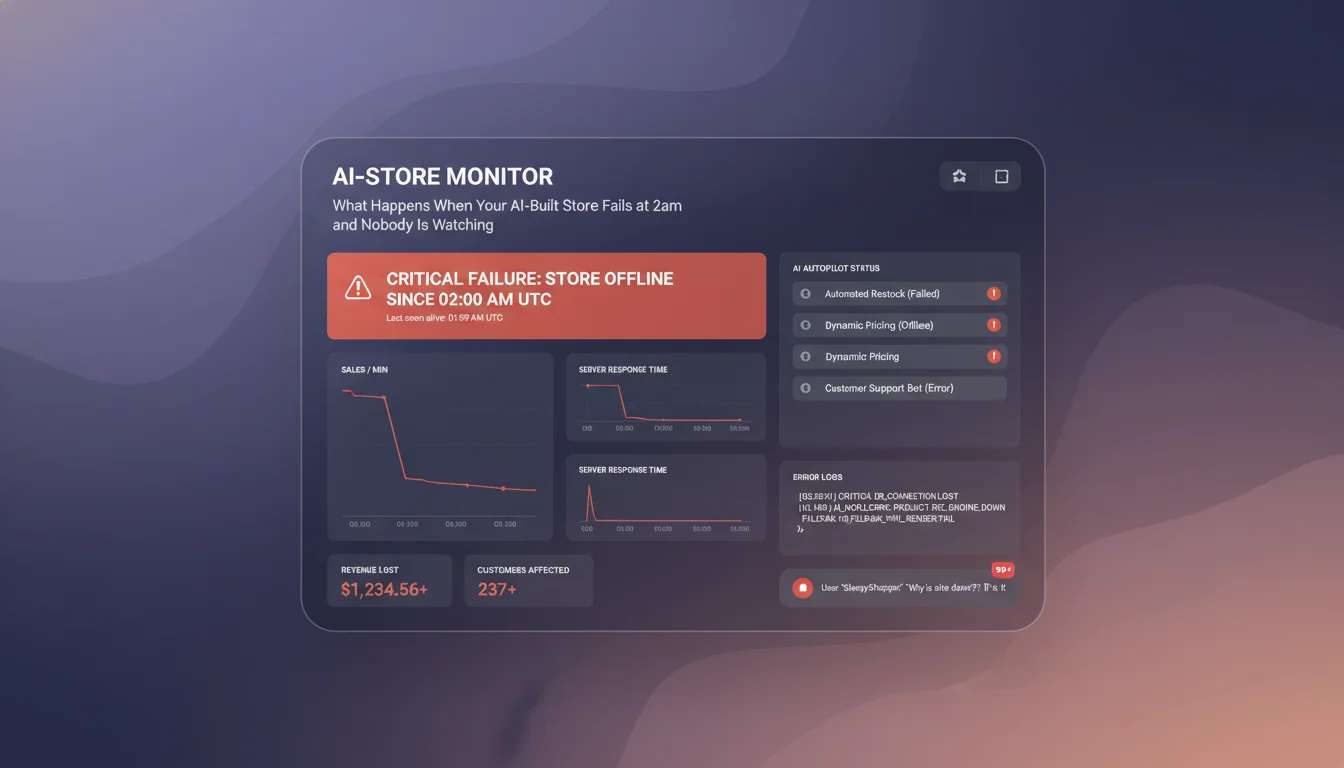
You finished your store at 11pm. You clicked through it in the preview. Everything looked right. The homepage loaded. The product pages were there. The checkout button was in the right place. You published it, sent the link to a few friends, and went to sleep.
By 7am you had three abandoned carts in your analytics, two emails from people saying something went wrong at checkout, and one message from someone who tried to create an account and got an error page. Your store had been live for eight hours and the checkout had been broken the entire time.
Nobody tells you this happens as often as it does. Founders do not post about it. It looks like a personal failure. But it is a structural problem with how most AI builders deliver sites, and it is worth understanding clearly before you launch anything.
The gap between preview and production
AI Online Store Builder
Build it with CodePup AI. Ready in 30 minutes.
When an AI builder shows you a preview of your site, it is showing you a rendered visual output. What it is not showing you is whether all the moving parts of that site actually connect correctly. The checkout form might look perfect. Whether it successfully creates an order in your backend and triggers a confirmation email is a different question entirely.
Production is different from preview in ways that matter. Your real customers arrive from different devices, different browsers, different network conditions. They do things you did not anticipate. They double-click the checkout button. They use autofill in unexpected ways. They navigate back mid-checkout. They open the site on a three-year-old Android phone on mobile data.
Preview shows you one path through your site, in perfect conditions, on your device. Production is everything else.
The three failures that happen most often
Checkout and payment flows fail more than anything else. The specific version that causes the most damage is when payment succeeds on Stripe's end but the order confirmation does not fire. Your customer's card gets charged. They receive nothing. You receive no record of the order. They email you confused and frustrated. You have no idea what happened because your admin shows nothing.
This happens because AI-generated Stripe integrations frequently have gaps in webhook handling. The payment intent is created correctly. The webhook endpoint that listens for payment confirmation and triggers the order creation and confirmation email is either misconfigured or not connected at all. It looks fine in preview because the preview does not process real payments.
Auth failures are the second most common. Customer account creation that produces an error on certain password formats. Login that works for accounts created directly but fails for accounts created through a social login. Password reset flows that send an email but the link leads nowhere, or that reset the session without actually updating the stored password.
Silent form failures are the third. Your contact form accepts the submission and shows a success message. The submission never arrives anywhere. No email notification, no database record, nothing. The customer thinks they reached you. You never hear from them.
The most damaging failures are the silent ones. A checkout that throws an obvious error at least tells your customer something went wrong. A checkout that appears to succeed but does not process the order correctly is much harder to detect and much more damaging to trust.
Why these failures are invisible until a real customer finds them
AI builders generate code and render it visually. That is the whole workflow. At no point does anything actually click the checkout button with a test card and verify that an order confirmation email arrives. At no point does anything create a test account, log out, and attempt to log back in with the same credentials. The visual preview looks correct because the visual components are correct. The backend plumbing is untested.
You do some of this testing yourself when you click around before publishing. But you are the founder. You know what the site is supposed to do. You click the obvious paths in the obvious order. You do not try to navigate back to step two from step three of a checkout. You do not try to create an account with a long email address or a password with a special character that was not in the test data. You find what you are looking for and stop.
Real customers are not trying to break your site. But they use it differently than you do, and those differences are exactly where the edge cases live.
What actually needs to be tested before a site goes live
Every page needs to load without errors. Every button needs to be clickable and do what it is supposed to do. Every form needs to submit and the submission needs to reach its destination. Every checkout flow needs to be completed with a test payment and the confirmation email needs to arrive. Every account creation flow needs to produce a working account. Every login needs to work for accounts created through every available method. Every email link needs to lead somewhere valid.
All of that needs to happen on mobile, not just desktop. Half your traffic is on a phone. A checkout step that freezes on iOS Safari is broken, regardless of how well it works on Chrome on a MacBook.
Running through that checklist manually before every launch is possible but slow. It takes 45 minutes to an hour if you are thorough. Most founders do not do it. The ones who do not do it are the ones sending customer service emails at 7am explaining why the checkout was broken overnight.
The version of this that happens automatically
When CodePup builds your site, a browser-based testing agent runs through the entire thing before you ever see it. Every page loads. Every button gets clicked. Every form gets submitted and the submission is verified. Every checkout flow is completed with a test transaction, and the confirmation email delivery is checked. Every account creation and login path is tested.
If anything fails, the bug-fix agent repairs it automatically. You do not receive a bug report. You do not get a list of issues to investigate. You receive a site that has already been through a full end-to-end test pass. The 2am failure scenario does not happen because the failure was found and fixed before the site reached you.
This adds time to the generation process. About ten to fifteen minutes. That time exists because it is doing something real: actually using your site the way your customers will. Most builders skip it entirely because it makes the build time look worse in marketing materials.
The choice is between a site that ships faster and one that works when it arrives. For anything you are putting in front of real customers, that is an easy call.
If you are building an online store and you want it to work the first time a customer reaches it, not the third time after you have fixed the issues they reported, CodePup is built specifically for that. Build your store and it arrives tested.
Ready to build this?
Start with a template built for your use case.
AI Online Store Builder
Launch your online store in minutes. CodePup AI builds your product catalog, shopping cart, Stripe checkout, and customer account portal — fully tested and ready to sell from day one.
Start building →Ecommerce Store Builder
Launch a full ecommerce store in under 30 minutes. Describe your products once and CodePup generates the catalog, cart, Stripe checkout, order emails, and admin — tested before delivery and yours to own. No Shopify app stack, no monthly platform lock-in.
Start building →More from the blog
Ready to build with CodePup AI?
Generate a complete, tested website or app from a single prompt.
Start Building