How to Build an Appointment Booking Website Without Wix or Acuity
Rajesh P
March 30, 2026 · 7 min read
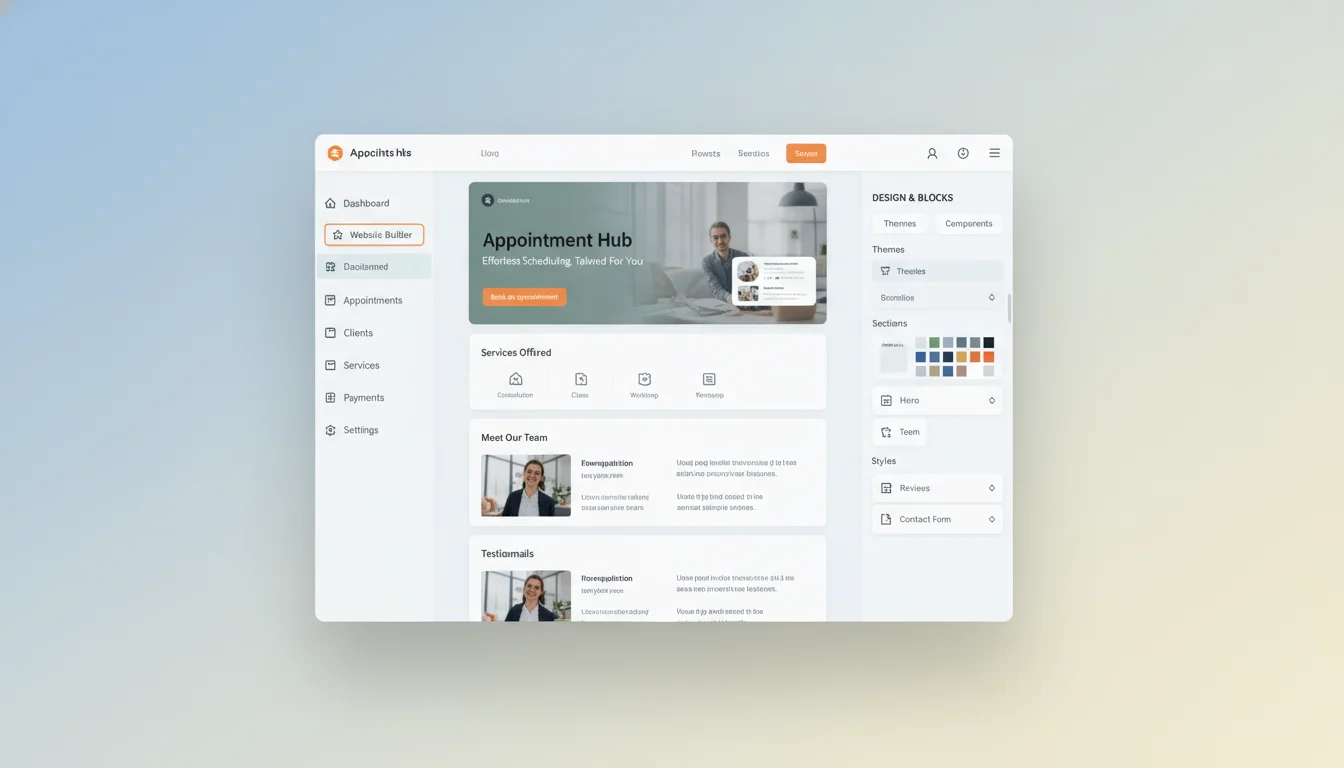
Acuity starts at $20 a month. Wix Bookings starts at $17. Square Appointments charges transaction fees on top of its monthly plan. Over two years, you're paying $400 to $840 for the ability to let clients book appointments on your website. That's money spent renting functionality you'll never own.
The reason most service businesses default to platforms isn't that platforms are necessary. It's that building a custom booking site has always required a developer. AI changes that. A complete custom booking website, with service pages, a date and time picker, payment collection, and automated confirmation emails, can be built from a prompt in an afternoon. No monthly fee. No platform dependency. You own the whole thing.
What You're Actually Paying Booking Platforms For
Booking platforms give you three things: a calendar that shows your availability, a way for clients to pick a time slot, and a confirmation email to both of you. That's it. Everything else, the landing page, the service descriptions, the payment form, the brand, you build yourself inside their template system anyway.
Appointment Booking Website Builder
Build it with CodePup AI. Ready in 30 minutes.
What you don't get is ownership. Your client data lives in their database. Stop paying and your booking page disappears. If the platform raises prices, you either pay more or start over. The lock-in starts from day one.
Acuity: $20/month. Wix Bookings: $17-$35/month. Over 24 months, that's $408 to $840 for functionality you could build once and own forever.
What a Booking Website Actually Needs to Work
Strip away the platform branding and a booking website is a specific set of pieces. Know exactly what those pieces are and you can build one from a prompt without guessing.
- Service pages: a page or section for each service, with description, duration, price, and a book button
- A booking calendar: a date picker showing available time slots so the client can choose one
- A client intake form: name, email, phone, and any service-specific questions you need answered before the appointment
- Payment collection: take a deposit or full payment at booking to cut no-shows
- Confirmation emails: automatic to both the client and to you when a booking is made
- A booking management view: somewhere you can see upcoming appointments, cancel or reschedule, add notes
That's the complete list. A booking website doesn't need an engineering team or a specialised platform. It needs those six pieces built correctly and connected to each other.
How to Write a Prompt That Gets You a Working Booking Site
The quality of what you get back is almost entirely determined by what you put in. A vague prompt produces a vague site. A specific prompt produces something ready to take real appointments.
Include: the name and type of your business, each service with its name, duration, and price, how far in advance clients can book, whether you want a deposit or full payment at booking, what information you need from clients, and any aesthetic preferences.
Sample prompt: Build a booking website for Riverstone Coaching. I offer three services: a 60-minute clarity session ($150), a 90-minute deep dive ($220), and a monthly package of four 60-minute sessions ($500). Clients can book up to 14 days in advance. Collect full payment at booking via Stripe. Intake form: name, email, phone, and what they most want to work on. Send confirmation emails to the client and to my email. Design: calm and professional, white with forest green accents.
That prompt gives the builder everything it needs. Services are named and priced. Calendar logic is defined. Payment preference is clear. Intake fields are listed. Confirmation recipients are specified. Nothing left to configure after the fact.
The Failure Modes That Sink Booking Sites Before They Launch
A booking site has more moving parts than a standard information site. More places where things fail silently. Silent failures are the worst kind. The page looks correct. The client fills out the form. They click book. Nothing happens. No confirmation. No calendar entry. No notification to you. They assume it worked. You have no idea they tried.
The most common failures are predictable. Confirmation emails that look configured but don't actually send, usually because the email service wasn't properly connected in the generated code. Payment flows that work on desktop but break on mobile, a costly failure since most bookings now happen on phones. Time zone handling that shows the client the right time but logs the appointment in a different zone, so you're both expecting different times.
None of these failures are visible by looking at the site. They only reveal themselves when you actually run the booking flow: pick a service, choose a time, fill in the form, complete payment, check whether the confirmation email arrives. Every step needs to be tested before the site goes live.
A booking site with a broken confirmation email isn't a minor inconvenience. Clients who don't get a confirmation assume the booking didn't go through. They book elsewhere, or show up at the wrong time because the time zone math was wrong.
What Your Client Actually Experiences
On a properly built booking site, the client journey is frictionless. They land on your services page, read what you offer, click a book button. They see your available slots and choose one. They fill out the intake form. Takes under a minute. They pay. They land on a confirmation page with all the details. Within two minutes, they have an email in their inbox confirming the appointment, with the date, time, service, and a way to reschedule.
That experience is what keeps clients from second-guessing whether the booking went through. The confirmation email isn't a nice-to-have. It's the thing that makes clients feel confident they're booked.
Owning Your Booking Site Long-Term
When you own the site, changes are easy. Add a new service: update your page. Adjust your availability windows: update the calendar logic. Redesign the look: change the design. No platform dashboard to navigate. No tier limits on how many services you can list.
With CodePup, your booking site is built once, tested automatically before you see it, and delivered as a complete working product. The entire flow, from the service pages through the calendar picker, payment, and confirmation emails, is tested before launch. Connect your domain, point Stripe to live mode, and it's ready. No monthly platform fee. No lock-in. Just a booking site that works.
Ready to build this?
Start with a template built for your use case.
Appointment Booking Website Builder
Launch your booking website today — without hiring a developer. Describe your services and CodePup AI builds a complete site: service pages, appointment scheduler, Google Calendar sync, Stripe deposits, and automated SMS + email confirmations. Tested and live in minutes.
Start building →AI Coaching Website Builder
Launch your coaching business online in minutes. CodePup AI builds your services, booking system, Stripe-powered session payments, client portal, and automated session reminders — so you can focus on coaching, not admin.
Start building →AI No-Code Website Builder
Build any website without writing a single line of code. CodePup AI generates production-ready websites from your prompt — complete with Stripe payments, user authentication, analytics, and event-driven emails, all tested and launch-ready.
Start building →More from the blog
Ready to build with CodePup AI?
Generate a complete, tested website or app from a single prompt.
Start Building