How to Launch an Online Store in a Weekend (Saturday-Sunday Plan)
Rajesh P
March 31, 2026 · 8 min read
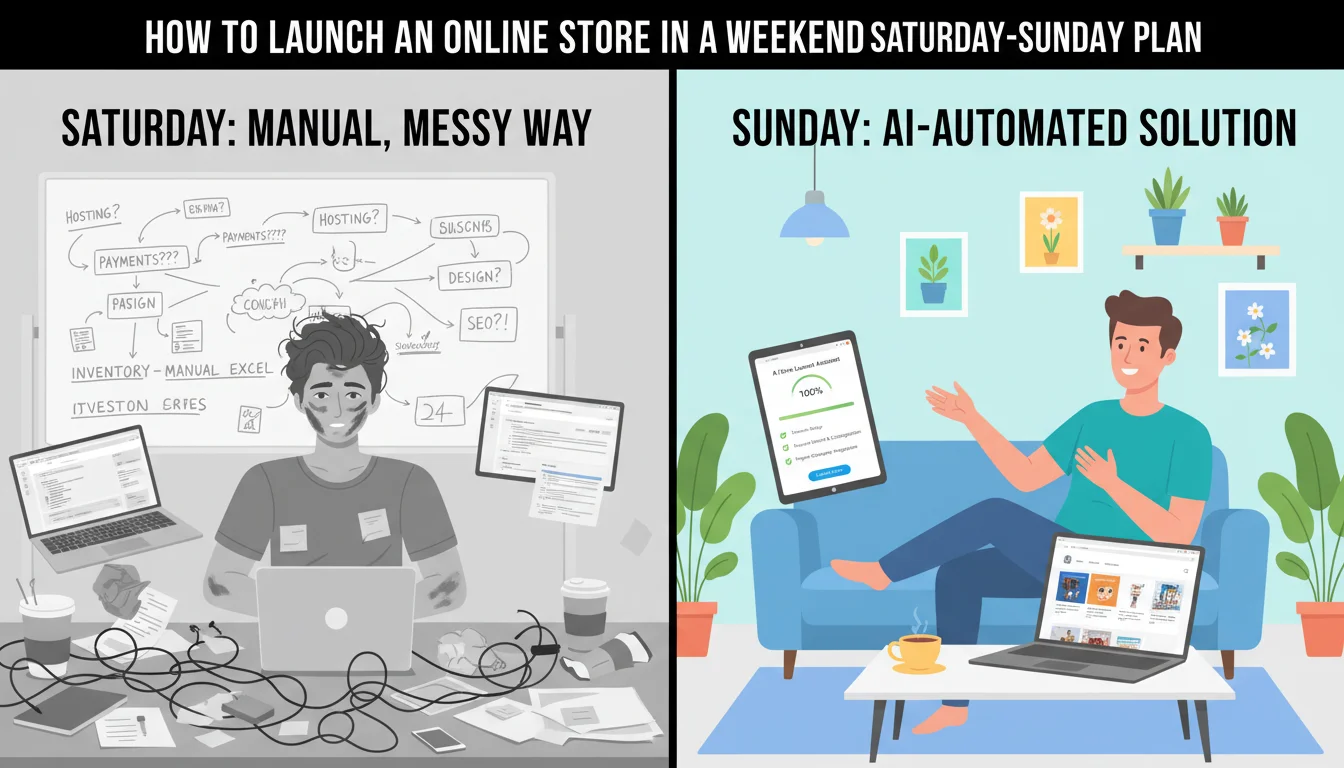
Most founders spend weeks planning their store launch. They research platforms, compare pricing tiers, watch tutorial videos, and still have not published a single product page. I have a different approach. Block one weekend. Follow this plan. By Sunday evening, your store is live and accepting real payments.
This is not a theoretical timeline. I have walked people through this exact process in my Maven cohort. The ones who come prepared finish on Saturday. The ones who start from zero finish on Sunday. Either way, the store goes live before Monday.
Saturday Morning: Preparation (9 AM to 12 PM)
This is the work that makes everything else fast. Do not skip it. If you sit down to build without preparation, you will spend three hours making decisions that should have taken thirty minutes.
Ecommerce Store Builder
Build it with CodePup AI. Ready in 30 minutes.
Create your Stripe account
Go to stripe.com and sign up. Enter your business details and bank account for payouts. This takes ten to fifteen minutes. You can start using test mode immediately while Stripe verifies your identity in the background.
Prepare your product catalog
For each product, write a two to three sentence description, set a price, and take at least one clear photo. Square images on a plain background work best. You do not need professional photography. A phone camera, natural light, and a white sheet of paper as a backdrop will do.
Buy your domain
Go to Namecheap or your preferred registrar and buy a domain name. Pick something short, easy to spell, and related to what you sell. A .com is ideal. This costs $10 to $15 per year. Do this now so DNS has time to propagate while you build.
Write your store prompt
Spend thirty minutes writing a detailed prompt for CodePup. Name your store. Describe your products and who they are for. List every page you want: homepage, catalog, product pages, cart, checkout, order confirmation, customer accounts, admin dashboard. Describe the visual style you want. The more specific you are, the better the result.
Saturday Afternoon: Build (1 PM to 4 PM)
This is where the AI does the heavy lifting.
- 1Open CodePup and paste your prompt. Hit generate. The build takes a few minutes.
- 2Paste your Stripe test keys when prompted. This connects your payment system.
- 3Review the generated store. Click through every page. Check the homepage, browse the catalog, open a product page, add something to the cart, go through the checkout with Stripe's test card (4242 4242 4242 4242).
- 4Note anything you want to change. Maybe the hero text needs tweaking, or you want a different color scheme, or you want to add a section. Write a follow-up prompt with these adjustments.
- 5Regenerate or refine. CodePup will update the site based on your feedback. Review again.
CodePup auto-tests every build before delivery. If something is broken in the checkout flow or the database connections, it catches and fixes the issue before you see the result.
By 4 PM Saturday, you should have a store that looks good, functions correctly in test mode, and matches what you described in your prompt. If you do, take a break. You are ahead of schedule.
Sunday Morning: Test Everything (9 AM to 12 PM)
Testing is the difference between a store that works and a store that embarrasses you. Go through these checks methodically.
- Complete a full purchase as a test customer. Add a product, go through checkout, verify the confirmation page and email.
- Create a customer account. Log in, check order history, verify the account page works.
- Log into the admin dashboard. Add a new product. Edit an existing one. Check that the changes appear on the storefront.
- Test on your phone. Open the store URL in your mobile browser. Check that everything is readable, tappable, and correctly formatted.
- Check your Stripe test dashboard. Confirm that test payments, customers, and webhook events are appearing correctly.
Fix anything that is off. Small copy changes, image swaps, and layout adjustments are all quick prompts. Do not get into a major redesign at this stage. Ship what works and improve it next weekend.
Sunday Afternoon: Go Live (1 PM to 4 PM)
Connect your domain
Point your domain's DNS records to your hosted store. The exact steps depend on your registrar, but it is usually adding a CNAME or A record. DNS propagation can take up to 48 hours, but most domains resolve within an hour or two.
Switch Stripe to live mode
Replace your test API keys with your live keys. In Stripe, toggle the dashboard to live mode, copy the new publishable and secret keys, and update them in your CodePup settings. This takes two minutes.
Place your first real order
Buy something from your own store using a real card. A $1 test product works fine. Confirm the charge appears in your live Stripe dashboard. Confirm the order shows in your admin panel. Confirm you get the confirmation email. Then refund yourself.
Share it
Post on LinkedIn, Instagram, Twitter, wherever your audience is. Send it to ten friends. Email your existing contacts if you have a list. The store is live. People can buy. Monday morning, check your Stripe dashboard and your admin panel for any orders that came through over the weekend.
That is the whole plan. Saturday for prep and build. Sunday for test and launch. Your store is live before the work week starts. Everything else, the optimization, the marketing, the product photography upgrades, you handle week by week while the store is already making money.
Ready to build this?
Start with a template built for your use case.
Ecommerce Store Builder
Launch a full ecommerce store in under 30 minutes. Describe your products once and CodePup generates the catalog, cart, Stripe checkout, order emails, and admin — tested before delivery and yours to own. No Shopify app stack, no monthly platform lock-in.
Start building →AI Online Store Builder
Launch your online store in minutes. CodePup AI builds your product catalog, shopping cart, Stripe checkout, and customer account portal — fully tested and ready to sell from day one.
Start building →Dropshipping Store Builder
Launch a branded dropshipping website today. Describe your niche and the builder generates a complete store — product pages, cart, Stripe checkout, and supplier-ready layouts for AliExpress, CJ Dropshipping, or Zendrop — fully tested and live in minutes.
Start building →More from the blog
Ready to build with CodePup AI?
Generate a complete, tested website or app from a single prompt.
Start Building