Why AI-Generated Ecommerce Stores Fail to Convert (And the Fix That Happens Before Launch)
Rajesh P
March 30, 2026 · 8 min read
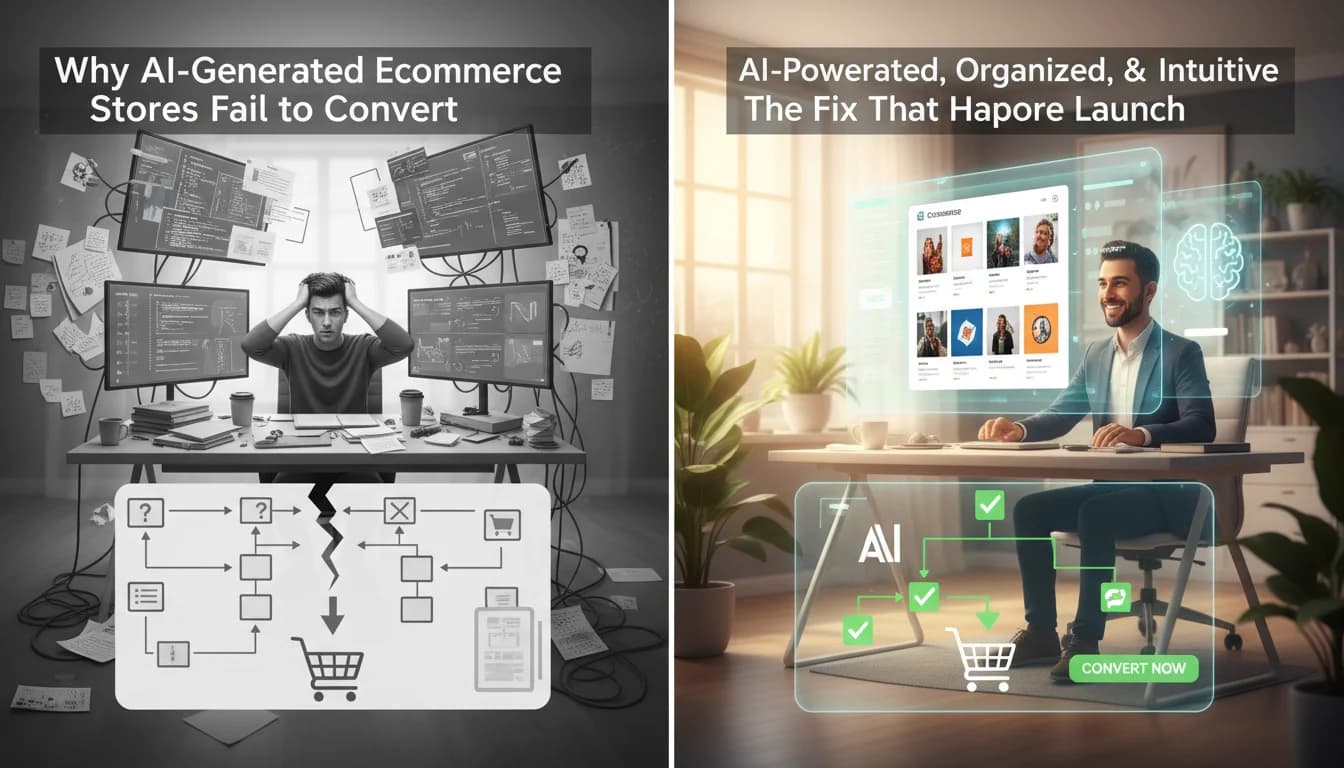
You launched the store. You shared it. A few people clicked through. Nobody bought. You spent the next week adjusting prices, rewriting product descriptions, and changing the hero image. Still nothing. Then someone emailed to say the checkout was broken on their phone.
The checkout had been broken since day one. Every person who tried to buy on mobile hit a frozen screen and left. You spent a week optimising a store that was not actually functional.
This is the most common conversion problem in AI-built stores and the least talked about one. Not the wrong price. Not the wrong product photos. A broken store that nobody told the founder about because politely reporting someone's broken checkout is not something most people do. They just leave.
The four silent killers in AI-generated stores
Ecommerce Store Builder
Build it with CodePup AI. Ready in 30 minutes.
Mobile checkout failure is the most damaging because it affects the most people. AI builders generate and preview on desktop. The checkout looks fine. On an iPhone running Safari, a specific tap event does not register correctly, or a payment form field does not scroll into view above the keyboard, or the order button sits under a fixed navigation element. The customer taps, nothing happens, they leave. You never know.
Silent payment processing failure is the second. The customer reaches the payment step, enters their card, clicks pay, and sees a spinning loader that eventually times out or shows a generic error. On your end, nothing happened. On the customer's end, they do not know if their card was charged. They do not come back. The specific cause is usually a misconfigured Stripe webhook or a missing environment variable that was not caught because nobody tested a real payment before launch.
Broken confirmation emails are the third. The payment processes correctly. The customer receives nothing. No order confirmation, no receipt, no download link if they bought a digital product. They email you asking if the order went through. You check your dashboard, see the order, and manually send a confirmation. This happens for every order until you figure out why the automated emails are not firing. The answer is almost always that the email integration was not properly connected during generation.
Broken add-to-cart on specific product types is the fourth. Works fine for your first three products. Fails silently for the fourth because something in how that product was configured during generation differs slightly. Customers who try to buy that specific product cannot add it to their cart and do not understand why. They assume the product is out of stock and move on.
Why these failures are invisible to the founder
When you test your own store before launch, you test it as yourself. You know what the store is supposed to do. You click the paths you built. You use your own device. You buy a product you already know works. You are not a real customer arriving for the first time on a device you have never seen.
The failures that matter are the ones on the edges. The customer on a Samsung Galaxy on Chrome who tries to buy the bundle product. The customer who autofills their shipping address and gets a validation error because the postcode field was formatted differently. The customer who goes back to change their quantity mid-checkout and finds the cart has reset. None of these show up in a founder's self-test.
Conversion optimisation on a broken store is wasted effort. Every change you make to your design, your pricing, or your copy is irrelevant if the purchase flow is not actually completing. Fix the functionality first.
What should get tested before any store goes live
A complete purchase from a product page all the way through to a confirmation email arriving in an inbox. On mobile. With a real test card. That single test catches the majority of the failures described above.
Every add-to-cart button on every product. Not just the first one. All of them. Every product configuration and variant.
Account creation and login. Create a new account, log out, log back in. Verify the session works. Verify the order history shows the test purchase.
The store on at least two mobile browsers. iOS Safari and Android Chrome cover the majority of your mobile traffic. A store that works on one and not the other is a store with a conversion problem.
The version of this that runs automatically before you see the site
The reason CodePup built browser-based automated testing into the generation process is exactly this problem. Before your store is delivered to you, a testing agent runs through the entire purchase flow. Every product gets added to cart. Every checkout step gets completed with a test transaction. The confirmation email delivery is verified. Account creation and login are tested. Everything runs on multiple viewport sizes.
If any of those tests fail, a bug-fix agent repairs it before you see the result. You do not receive a store with broken mobile checkout and a note saying you should test it. You receive a store that has already been tested and already works.
The time this adds to the build process is real. About ten to fifteen minutes. That is ten to fifteen minutes you would otherwise spend discovering broken checkout flows after real customers have already tried and failed to buy from you.
If your AI-built store is not converting and you have not systematically tested every purchase flow on mobile, start there before you touch anything else. If you are building a new store and you want it to work from day one, build it somewhere that tests it before it reaches you.
Ready to build this?
Start with a template built for your use case.
Ecommerce Store Builder
Launch a full ecommerce store in under 30 minutes. Describe your products once and CodePup generates the catalog, cart, Stripe checkout, order emails, and admin — tested before delivery and yours to own. No Shopify app stack, no monthly platform lock-in.
Start building →AI Online Store Builder
Launch your online store in minutes. CodePup AI builds your product catalog, shopping cart, Stripe checkout, and customer account portal — fully tested and ready to sell from day one.
Start building →More from the blog
Ready to build with CodePup AI?
Generate a complete, tested website or app from a single prompt.
Start Building