How to Start an Online Store Without a Developer in 2026
Rajesh P
February 10, 2026 · 8 min read
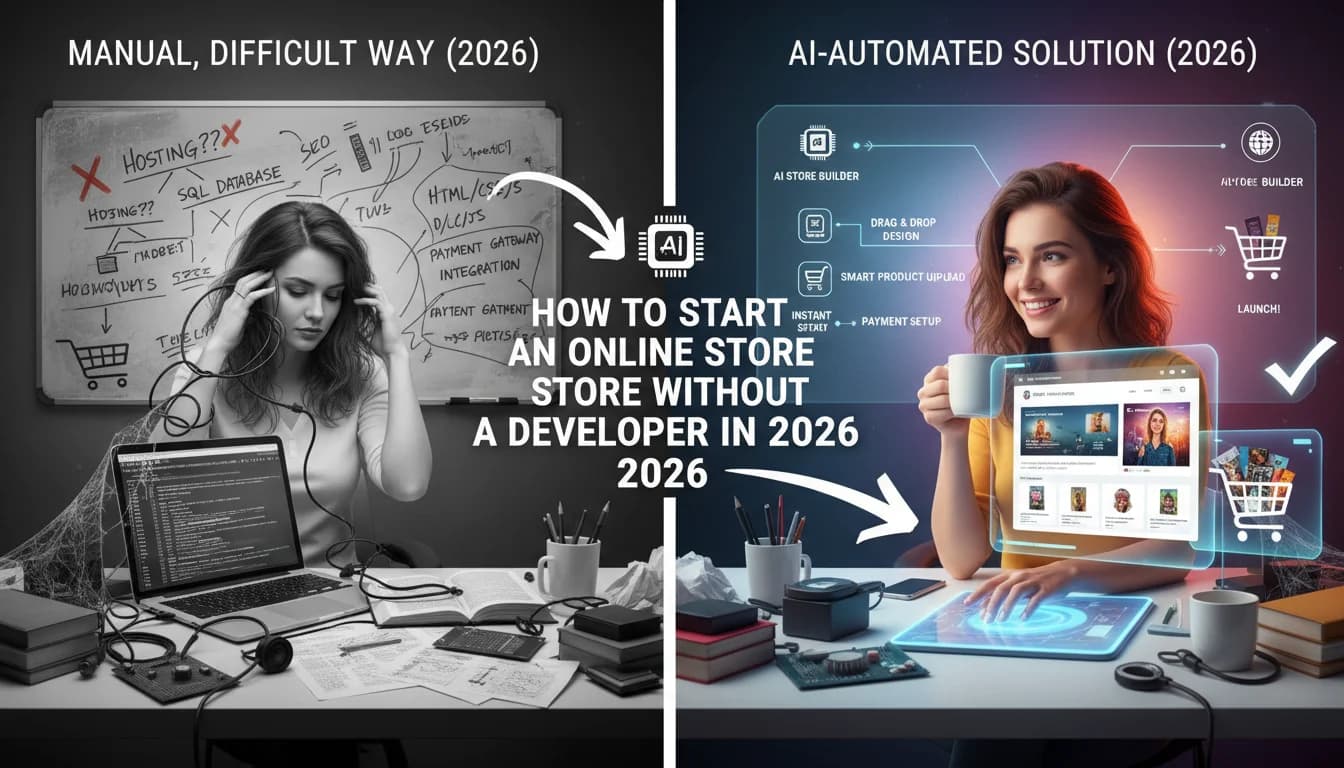
There was a time not long ago when starting an online store meant hiring a developer, waiting six weeks for them to build something, then discovering the design was not quite right and starting a new negotiation. That bottleneck killed more legitimate business ideas than competition ever did. In 2026, that bottleneck no longer exists, but most people have not fully internalized what that means for them. You can go from a product idea to a live, accepting-payments store in about 30 minutes. This guide walks you through exactly how.
Why the Developer Bottleneck Killed Most Store Ideas Before Launch
The cost of a developer was always the first filter. A custom ecommerce store from a freelance developer cost anywhere from three thousand to twenty thousand dollars depending on the complexity. That price tag alone was enough to stop most first-time sellers from ever starting. They would spend the money, wait the weeks, receive something that was close but not quite right, and either accept the compromise or sink more money into revisions.
Even the people who pushed through that process still had ongoing dependency on the developer for every future change. Want to add a new product category? That is a support ticket. Want to change the checkout flow? That is a sprint item. The developer did not just build the store. They became a permanent gatekeeper between you and your own business. And every hour you waited for a small change was an hour your store was not performing the way you needed it to.
AI Beauty Store Builder
Build it with CodePup AI. Ready in 30 minutes.
The developer bottleneck was never just about cost. It was about the time between having an idea and being able to act on it. In ecommerce, speed to market is often the difference between capturing a trend and watching someone else capture it.
What You Actually Need to Launch a Store
The list of things you genuinely need to launch an online store is shorter than most people think. You need a Stripe account, which is free to create and takes about five minutes. You need your product details, including names, descriptions, prices, and images. You need a domain name, which costs about twelve dollars a year. You need about 30 minutes of focused time. That is the complete list. Everything else that used to be on the list has been handled by the tooling.
- A Stripe account gives you the ability to accept real credit card payments from customers anywhere in the world from day one.
- Your product details are the content that populates your store's catalog, product pages, and checkout flow.
- A domain name is the address customers use to find you and the foundation of your brand's online presence.
- Thirty minutes of focused attention is enough to write the prompt that generates your complete store and review what comes back.
- You do not need to know how to code, configure servers, manage databases, or understand any part of the underlying technical infrastructure.
The Four Decisions to Make Before You Build
Before you write a single word of your generation prompt, there are four decisions worth getting clear on. Not because the AI cannot make them for you, but because your answers to these questions will determine whether you end up with a store that actually fits your business or a generic template that happens to have your logo on it.
- 1Decide your niche with precision. Not just 'handmade jewelry' but 'minimalist silver jewelry for professional women in their thirties who buy gifts for themselves.' The more specific your niche, the more targeted your store's copy, layout, and tone will be.
- 2Decide your pricing structure before you build, including whether you will offer bundles, subscriptions, digital downloads, or physical products, because each of these requires different pages and different checkout flows.
- 3Decide how you want your brand to feel, including your color palette, the tone of your product copy, and whether you are positioning yourself as premium, accessible, playful, or authoritative.
- 4Decide which pages your store needs beyond the obvious homepage and product pages, including whether you need a custom order form, a wholesale inquiry page, a FAQ, a size guide, or a returns policy.
With those four decisions made, you have everything you need to write a prompt that produces a real store rather than a rough draft. The time you spend on these decisions before building will save you significant time in revisions after.
How AI Handles the Technical Complexity That Used to Require a Developer
The reason people hired developers was not because building a store required creative genius. It was because building a store required orchestrating a large number of interdependent technical systems. The routing had to be correct so product pages loaded properly. The catalog system had to connect to the checkout. The checkout had to connect to Stripe. The order confirmation had to trigger an email. User accounts had to connect to order history. The admin dashboard had to surface the right data. Getting all of those things working together, without anything breaking, is what took weeks.
AI generation handles all of that orchestration automatically. When you describe your store in a prompt, the AI does not just design pages. It writes the routing logic, builds the catalog system, connects the checkout to Stripe, sets up the email triggers, creates the user account system, and builds the admin interface. All of those things are generated together, in the same pass, so they are consistent and connected from the start. You are not assembling components. You are receiving a working system.
What a Production-Ready Store Includes Versus a Prototype
Many AI tools produce prototypes, which are sites that look like stores but do not function like stores. A prototype might have a product listing page and a button that says Add to Cart, but clicking that button does not trigger a real checkout flow connected to a real payment processor. A prototype might show a login form but not actually create or authenticate user accounts. These are demos, not deployable businesses, and the difference matters enormously when you are trying to launch.
A production-ready store has a fully functional checkout connected to Stripe, complete with webhooks that update order status in real time. It has a real user authentication system where customers can create accounts, log in, and view their order history. It has an actual analytics dashboard that shows you real traffic, conversion data, and revenue. It has an admin interface where you can add products, update prices, and manage orders without touching any code. It has email flows that send real messages to real customers when real events happen.
The gap between a prototype and a production-ready store is not a design gap. It is a systems gap. A store you can actually launch needs working payments, working accounts, working emails, and working analytics from day one, not as future enhancements.
Why Owning Your Code Matters Long-Term
When you build on Shopify, you are renting your store. The monthly subscription never goes away. The transaction fees never go away. The limitations of the platform, the things you cannot do because the platform does not support them, never go away either. When you need a feature the platform does not offer, you are dependent on an app marketplace where third-party plugins cost additional monthly fees and sometimes conflict with each other in ways that are nearly impossible to debug.
When you own your code, none of that applies. You deploy once to a hosting provider you choose, paying only for the actual infrastructure you use, which is typically far less than a platform subscription. You have no transaction fees beyond what Stripe charges directly. You can modify anything because you have access to everything. If you want to add a feature, you add it, either by writing it yourself, hiring someone to write it, or using AI to generate it. The platform is not in your way because there is no platform.
The Moment You Know You Are Ready to Go Live
The question most first-time store owners struggle with is knowing when their store is ready to launch. The honest answer is that it is ready when it can successfully complete a transaction from a real customer. Go through the checkout yourself using a real card. Create a customer account and check that your login and order history work. Send yourself a test order confirmation email and make sure it looks right. Check the analytics dashboard and confirm data is flowing. If all of those things work, your store is ready.
You do not need to wait for perfection. You do not need every product category fully stocked. You do not need the blog up and running. You do not need a full social media presence built before you launch. You need a working store with real products that customers can actually buy. Everything else can come after your first sale. The first sale is the only milestone that matters for determining whether your idea has legs.
Build Your Store With CodePup
CodePup is built specifically for people who want to launch real online stores without writing code or hiring a developer. You describe your store in a single detailed prompt and CodePup generates the complete codebase, including every page, every feature, and every backend system, simultaneously. There is no piecemeal building across multiple sessions. There is no inconsistency between pages generated at different times. There is one generation pass that produces one coherent, working store.
Every store CodePup generates is tested automatically before delivery. If the generation introduces any bugs or regressions, they are caught and fixed before the code ever reaches you. You receive a working store, not a starting point for debugging. Stripe payments and webhooks are included and configured. User authentication is built in. An AI-powered catalog system lets you manage your products intelligently. Event-driven email campaigns handle your customer communication automatically, without needing Mailchimp or any external service. An analytics dashboard gives you real business data from the moment you go live. An admin dashboard lets you manage everything without touching code. Most CodePup users are live and accepting orders in under 30 minutes from writing their first prompt.
Ready to build this?
Start with a template built for your use case.
AI Beauty Store Builder
Launch your beauty or skincare store in minutes. CodePup AI builds your product catalog, Stripe checkout, and customer portal — with AI managing your product range and order emails firing automatically on every sale.
Start building →AI Clothing Store Builder
Launch your online clothing store in minutes. CodePup AI builds your full catalog with size and colour variants, Stripe checkout, and customer accounts — with AI managing your product catalog as your range grows.
Start building →Sell Digital Products Online with AI
Sell digital products online in minutes. CodePup AI builds your digital storefront with Stripe checkout and automated delivery emails — customers receive their download link the moment payment clears, with no manual work from you.
Start building →More from the blog
Ready to build with CodePup AI?
Generate a complete, tested website or app from a single prompt.
Start Building