How to Build a Portfolio Website That Actually Gets You Freelance Work
Rajesh P
March 30, 2026 · 6 min read
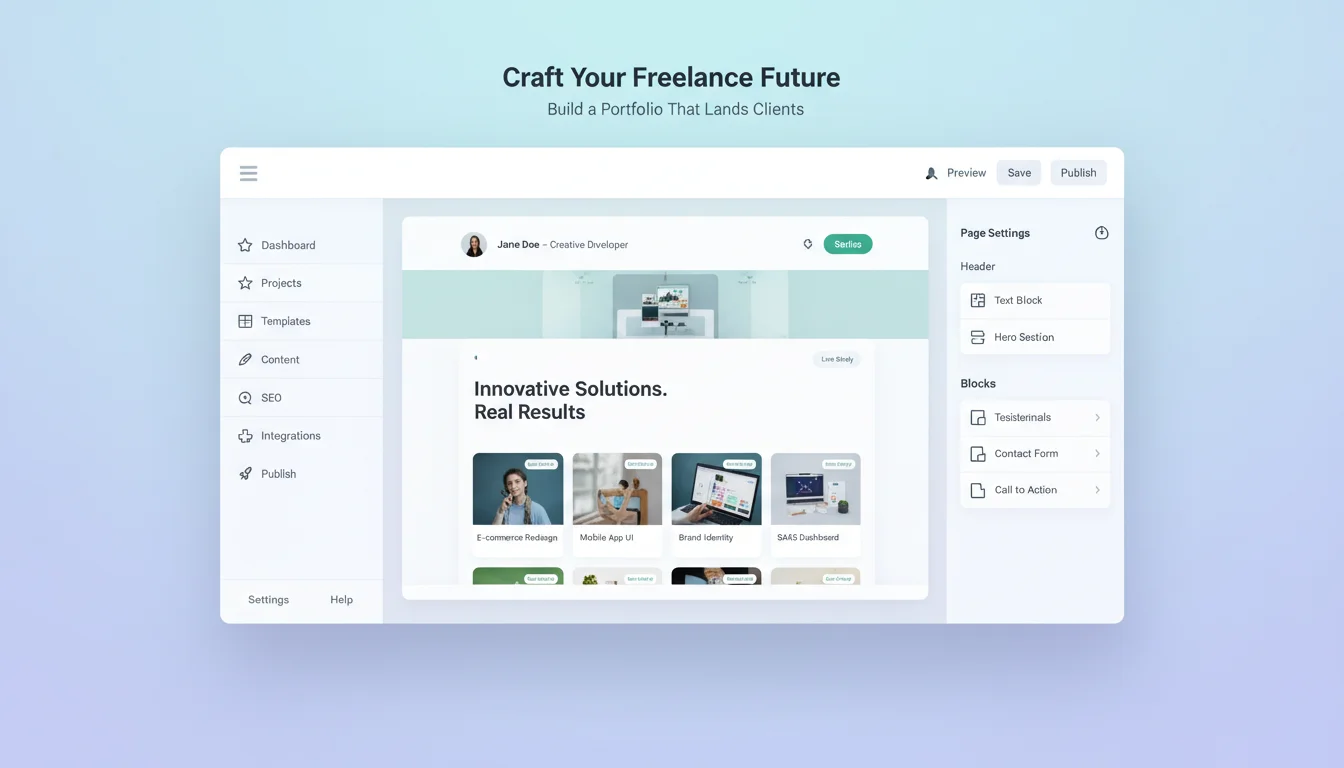
By 2026, an estimated 45 percent of software developers are working on contract. Add designers, writers, consultants, photographers, and every other discipline that's moved toward freelance work, and you have an enormous number of people who need a portfolio website. Most of them have one that isn't working. Not broken technically. Broken in the way that matters: it doesn't produce inquiries.
The reason is almost always the same. Portfolio sites are built to impress, not to convert. They're beautiful. They have animations. They showcase every project in exhaustive detail. And they make it quietly difficult for the visitor who's ready to hire someone to figure out what to do next.
The Only Thing Your Portfolio Needs to Do
Every decision you make about your portfolio should be evaluated against one question: does this make it more or less likely that someone who could hire me sends an email?
AI Portfolio Website Builder
Build it with CodePup AI. Ready in 30 minutes.
That framing changes everything. Your contact form should be on every page, not buried at the bottom of a long scroll. Your headline should describe what you do and who you do it for, not be an abstract personal statement. Your work samples should include a sentence about the result, not just a screenshot. What was the problem? What did you do? What happened? Three sentences is enough. That's what makes a sample feel like evidence of competence rather than decoration.
Ask this about every element on your portfolio: does this get me closer to someone sending an email, or does it get in the way? If the answer is unclear, cut it.
What Your Portfolio Actually Needs
Resist the urge to over-build. A portfolio that converts has a small, specific set of components. Adding more pages and sections beyond these doesn't increase conversions. It usually decreases them.
- A homepage headline: what you do, for whom, and where you're based. Not a mission statement. A positioning statement.
- Work samples: three to six is ideal. Each one needs a title, brief context, a visual if applicable, and a line about the outcome.
- A services section: what you offer, at what engagement level, and roughly what it costs. Hiding pricing doesn't make you mysterious. It makes visitors leave to find someone who's transparent.
- An about section: brief, first person, focused on what makes you the right hire, not your life story.
- A contact form: name, email, message field. It must actually work. This is the most important functional requirement on the entire site.
Notice what's not on that list. No blog unless you're actively writing. No testimonials page unless you have strong ones ready. No elaborate animations. No case study PDF downloads. All of those things reduce the signal-to-noise ratio for the person who's ready to hire you right now.
Why Squarespace and Framer Are the Wrong Default
The standard advice is to use Squarespace or Framer. Both are good products. Both have the same problem for freelancers: they cost $15 to $20 a month, indefinitely. Over three years, that's $540 to $720 spent on a site that, once built, rarely changes. You're paying a perpetual subscription for infrastructure you needed once.
There's a subtler problem too. Squarespace and Framer are template-based. Your portfolio starts from someone else's layout. The result almost always looks like a Squarespace site or a Framer site. If you work in a creative field where differentiation matters, starting from a shared template pool is a constraint that shows.
A custom-built portfolio, generated from a prompt that describes your work, your aesthetic, and your positioning, is fully yours from the start. The layout reflects your decisions. You build it once, own it, and pay nothing month after month.
How to Write a Prompt That Gets You a Portfolio Worth Sending
The prompt is where you put the specificity that makes the difference between a generic output and a portfolio that represents you. Include: your discipline and specialisation, your primary client type, three sample projects with brief descriptions, your preferred services and rough pricing, your aesthetic preferences, and your contact preferences.
Sample prompt: Build a portfolio for Maya Osei, a brand identity designer specialising in food and hospitality brands. Clients are independent restaurants, cafes, and food product startups. Include three work samples: Brasa (full brand identity for a Brazilian BBQ restaurant, logo, menu design, packaging), Fieldwork Coffee (rebrand for a specialty coffee roaster, focus on the packaging system), Mango & Salt (condiment brand identity from scratch, including product naming and label design). Services: brand strategy and identity from $4,500. About: 6 years experience, based in London, worked with 40+ food businesses. Contact form with name, email, and project description. Colour palette: warm off-white, deep forest green, terracotta. Clean, editorial typography.
The Two Things That Kill Freelance Portfolio Conversions
Once the portfolio is built, two failure modes account for most lost inquiries. Both are avoidable. Both are catastrophic if you don't catch them before launch.
First: a contact form that doesn't send. This is common in AI-generated sites. The form looks functional. The visitor fills it out, clicks submit, sees a success message. The email never arrives. The form was generated correctly as a UI element but not connected to any backend. The visitor assumes you received their message and waits. You never hear from them. If your portfolio gets 50 visitors a month and your contact form is broken, you've lost every one of those opportunities.
Second: a mobile layout that breaks on the phones of the people looking at it. Recruiters, agency owners, and potential clients are overwhelmingly looking at portfolios on their phones. A portfolio that looks polished on a large monitor and is unusable on a phone isn't a portfolio. It's a desktop-only presentation that most of your audience never sees properly.
Before you send anyone to your portfolio: submit a test message from your own phone. Confirm the email arrives. If it doesn't, nothing else matters until it's fixed.
Keeping Your Portfolio Current
A portfolio that was accurate when you built it and hasn't been touched since is worse than no portfolio. It signals inactivity. The work samples are from two years ago. The services describe work you no longer do. A visitor who notices wonders whether you're still freelancing.
A custom-built portfolio is easy to update because you own the code. You're not navigating a platform's dashboard or working within template constraints. Describe what you want changed, the builder makes the update, the change is live. New project to add? Write two sentences about it, provide the image, done.
With CodePup, your portfolio is built from your prompt, tested before delivery, including the contact form submission flow and mobile layout, and ready to represent you from day one.
Ready to build this?
Start with a template built for your use case.
AI Portfolio Website Builder
Launch your portfolio today. Describe your work and CodePup AI builds a complete portfolio site — project gallery, case studies, about section, and contact form — fully tested and ready to share.
Start building →AI Personal Website Builder
Create your personal website in minutes. CodePup AI builds your about page, project portfolio, resume, blog, and contact form — with analytics tracking who visits so you can follow up the right opportunities.
Start building →AI No-Code Website Builder
Build any website without writing a single line of code. CodePup AI generates production-ready websites from your prompt — complete with Stripe payments, user authentication, analytics, and event-driven emails, all tested and launch-ready.
Start building →More from the blog
Ready to build with CodePup AI?
Generate a complete, tested website or app from a single prompt.
Start Building